Change slide background
To customize your presentation, you can change the background fill for each separate slide. To change a background fill:
- In the slide list, tap the slide you want to apply the fill to.
- Open the slide settings panel by tapping the
 icon at the top toolbar.
 - Tap the Background menu item.
- Select the necessary tab at the top: Color, Gradient, Image or Pattern.
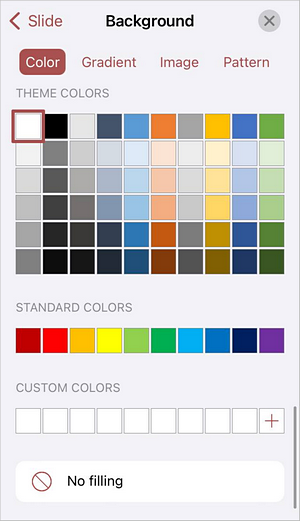
To clear the slide background color, use the
 No filling icon.
Article with the tag:
Browse all tags