Changing paragraph indents
Change paragraph indents
To change the paragraph indent:
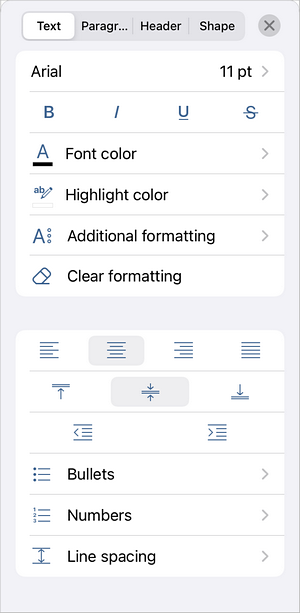
- Put the cursor within the paragraph you need, or select several paragraphs or the whole text.
- Use the Decrease Indent
 and Increase Indent
 icons, which are available in the following ways:
- at the bottom toolbar, under the Lists icon, or
- in the text settings panel — tap the
 icon at the top toolbar and swipe down to the indent icons.
Article with the tag:
Browse all tags