Viewing PDF information
View document information
To access the detailed information about the currently edited PDF:
- Tap the
 Tools icon in the right corner of the top toolbar.
 - Select the
 Document Info menu item.
The document information includes the following details:
- Title — the file name.
- Date — the date the file was last edited.
- Last Modified — the date and time the file was last edited and saved.
- Last Modified By — the name of the user who last modified the file.
The Statistics section includes the number of:
- Pages
- Paragraphs
- Words
- Symbols
- Symbols with spaces
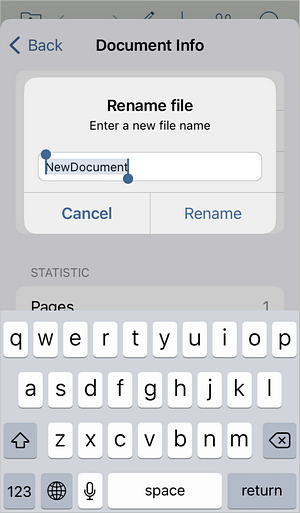
To change the file title quickly, tap the Title field and enter the new title, then tap Rename.
Article with the tag:
Browse all tags