Graphic annotations and markup
Add a drawing
The PDF Editor supports graphic annotations and markup, allowing you to make additional notes or highlight important information directly in the editor.
iOS 14 or later is required.
- Tap the
 icon at the top toolbar to open the new object insertion panel.
 - Switch to the Other tab.
- Tap the
 Drawing option.
 -
Select the required tool: a pencil, a marker, or a highlighter marker.

-
Select the required color via the circle to the left. You can choose from the theme colors, standard colors, or create a custom color.
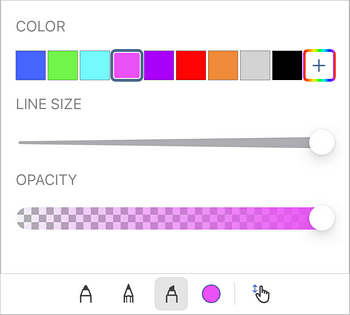
- Create your drawing.
- To resize the drawing, tap it and drag the squares at its edges.
- Tap the
 icon to navigate the document without leaving the drawing interface.
 - To exit the drawing interface, click the
 OK button in the top left corner.
Article with the tag:
Browse all tags