Este artículo está traducido por IA
Pestaña Archivo
La pestaña Archivo en el Visor de diagramas permite realizar algunas operaciones básicas de archivo.
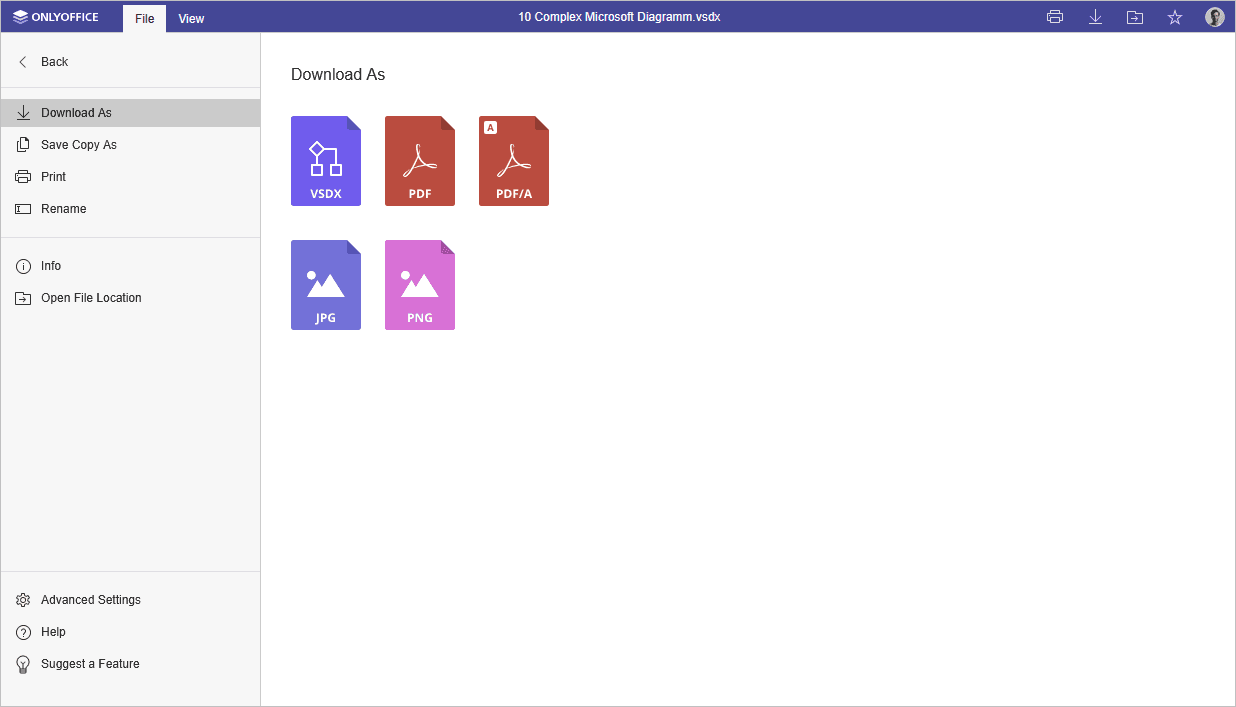
La ventana correspondiente del Visor de diagramas en línea:
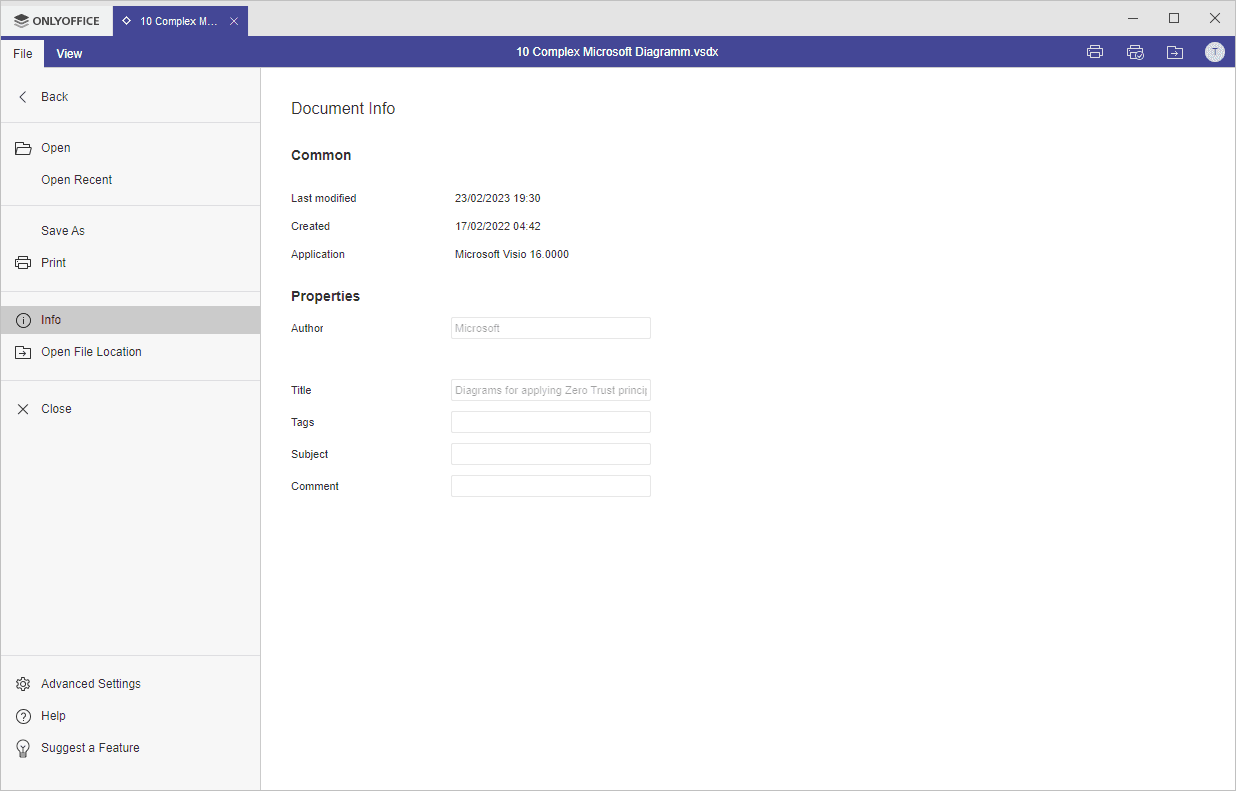
La ventana correspondiente del Visor de diagramas de Escritorio:
Usando esta pestaña, puedes:
- descargar como (guardar el documento en el formato seleccionado en el disco duro de tu computadora), guardar copia como (guardar una copia del documento en el formato seleccionado en los documentos del portal), imprimir el archivo o renombrarlo,
- en la versión de escritorio, las opciones Abrir y Abrir reciente permiten abrir un archivo usando el Explorador de archivos, o elegir un archivo de la lista de archivos abiertos recientemente,
- ver información general sobre el diagrama,
- Abrir ubicación del archivo - en la versión de escritorio, abrir la carpeta donde se almacena el archivo en la ventana del Explorador de archivos, En la versión en línea, abrir la carpeta en el módulo Documentos, donde se almacena el archivo, en una nueva pestaña del navegador,
- acceder a las configuraciones avanzadas del editor,
- Ayuda - abrir el centro de ayuda integrado,
- Sugerir una función - compartir tus ideas sobre cómo mejorar los editores de ONLYOFFICE.
Artículos con etiqueta:
Ver todas las etiquetas