ID Photo Converter: Converting your photos into ID photo formats
In ONLYOFFICE Docs, you can use the ID Photo Converter plugin to easily convert personal photos into official ID photo formats for Chinese documents, with customizable background options.
Starting with ONLYOFFICE Docs 8.2, no plugins come with the editors by default. The plugins shall be installed via Plugin Manager.
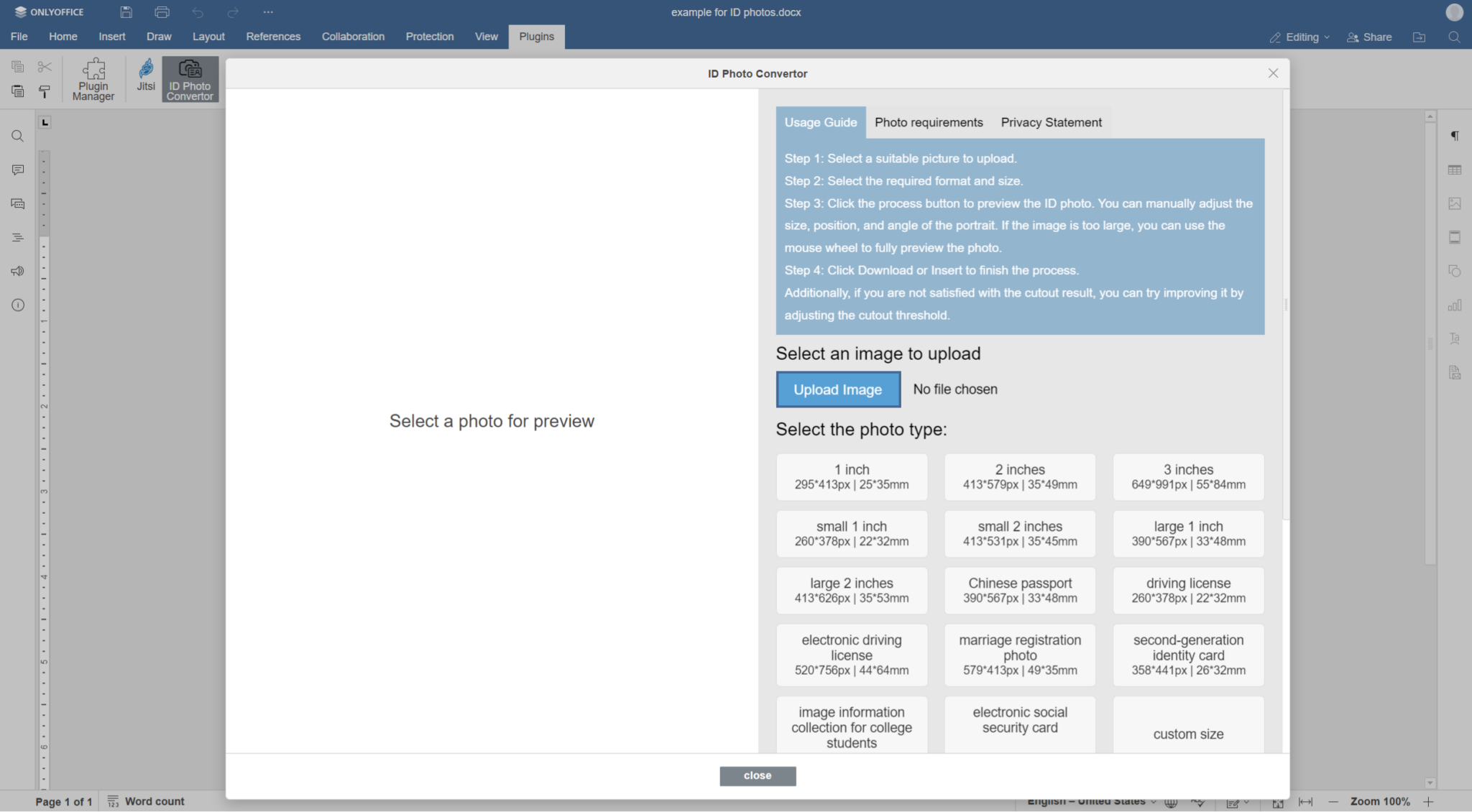
- Go to the Plugins tab and click the ID Photo Converter icon.
-
Choose a photo to upload.
-
Pick the background color, adjust the size and format for the document.
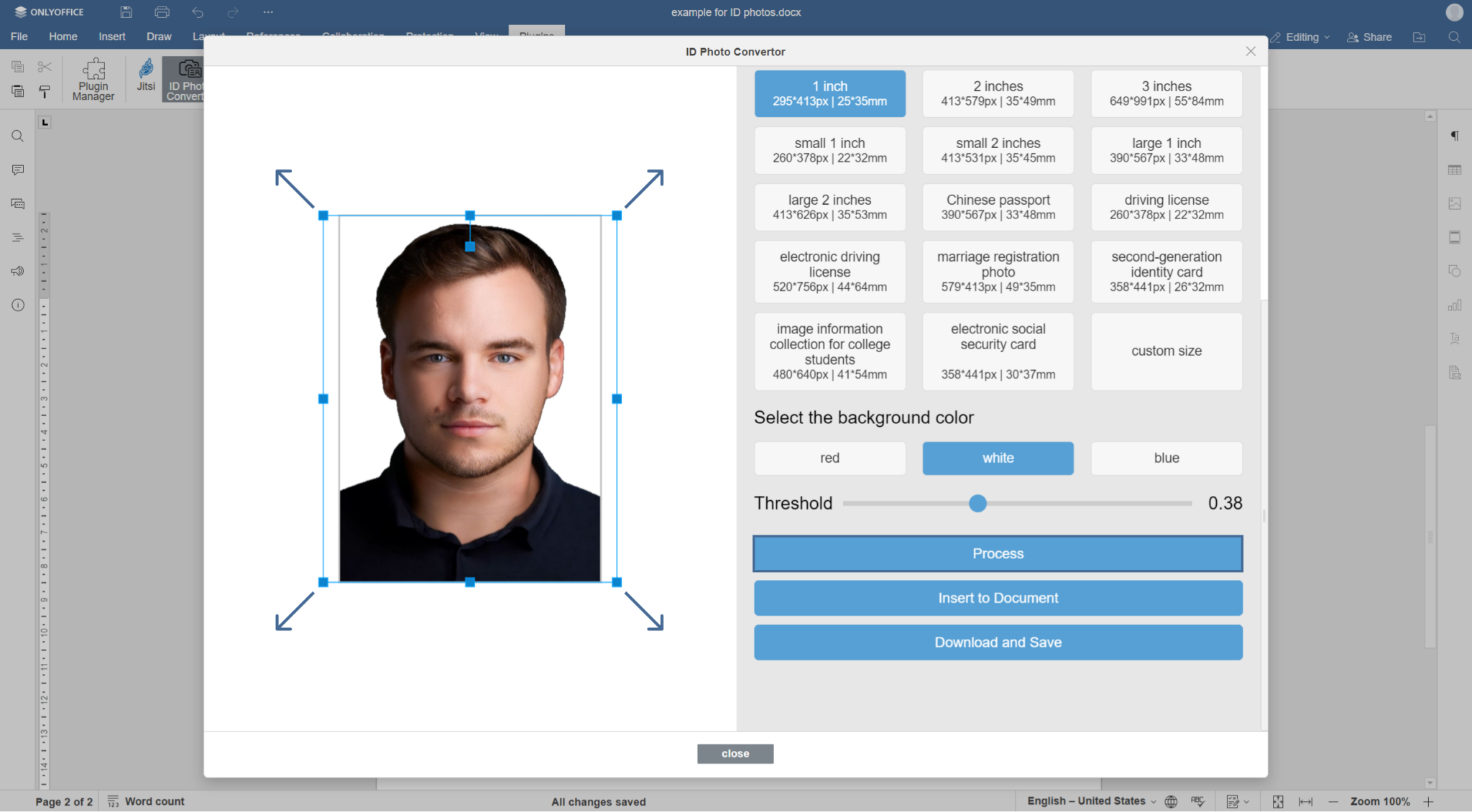
- Convert the photo and save it in the required format.
Article with the tag:
Browse all tags