Instalación en Red Hat, CentOS y derivados
La versión de escritorio de los editores en línea no requiere una conexión constante a Internet y puede trabajar con archivos locales.
Para instalar los Desktop Editors, puedes utilizar una de las siguientes opciones:
-
descargar un paquete .rpm desde nuestro sitio web,
Solo se admiten versiones de 64 bits de Linux.
Después de presionar el botón de descarga para el paquete requerido, algunos navegadores pueden sugerir elegir un directorio de destino. Selecciónalo y el proceso de descarga comenzará. Cuando se complete, ejecuta el archivo del paquete descargado para instalar los Desktop Editors en tu computadora.
- usar AppImage, Flatpak, Snap,
- añadir el repositorio a tu sistema operativo Linux y actualizarlo posteriormente, como cualquier otra aplicación de Linux.
Esta guía describe la instalación de ONLYOFFICE Desktop Editors desde el repositorio.
Instalación de ONLYOFFICE Desktop Editors desde el repositorio
Una mejor opción para instalar los editores de escritorio es añadir su repositorio a tu sistema operativo Linux. Para hacerlo:
-
Añade el repositorio yum con el siguiente comando:
sudo yum install https://download.onlyoffice.com/repo/centos/main/noarch/onlyoffice-repo.noarch.rpm -
Añade el repositorio EPEL con el siguiente comando:
sudo yum install epel-releasePara instalar EPEL en RHEL, utiliza los siguientes comandos:
sudo subscription-manager repos --enable codeready-builder-for-rhel-$REV-$(arch)-rpms
sudo yum -y install https://dl.fedoraproject.org/pub/epel/epel-release-latest-$REV.noarch.rpm
Cambia $REV por la versión de tu sistema operativo manualmente (7 para versiones 7.x, 8 para versiones 8.x, 9 para versiones 9.x, etc.).
-
Ahora los editores se pueden instalar fácilmente usando el siguiente comando:
sudo yum install onlyoffice-desktopeditors -y
Ejecutar ONLYOFFICE Desktop Editors
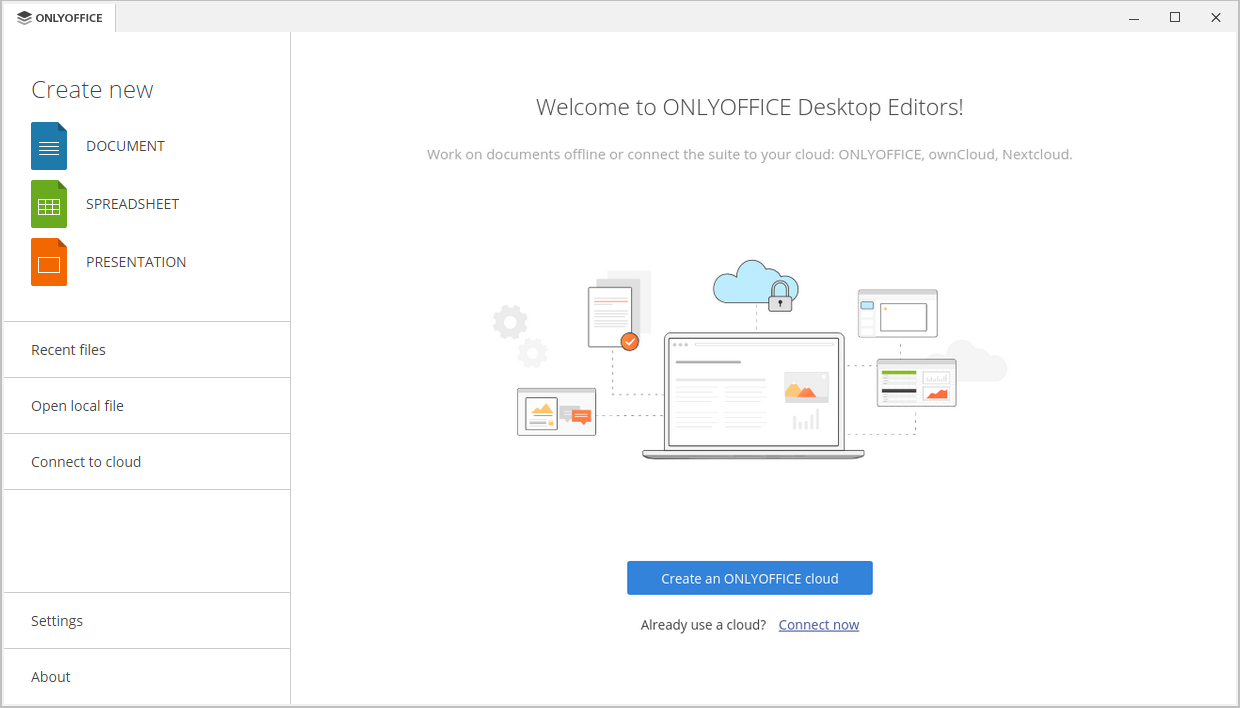
Una vez finalizada la instalación, puedes ejecutar los editores usando el comando en la terminal:
desktopeditorsSi prefieres utilizar una interfaz gráfica, siempre puedes encontrar los editores en el menú de Aplicaciones de tu computadora - Oficina - ONLYOFFICE.

Desinstalar ONLYOFFICE Desktop Editors
Para desinstalar ONLYOFFICE Desktop Editors, introduce el siguiente comando:
sudo yum remove onlyoffice-desktopeditorsRegularmente, no deberían quedar archivos residuales después de la eliminación utilizando métodos comunes del sistema. Sin embargo, si queda alguno, ejecuta el siguiente comando para eliminar cualquier cosa que pueda permanecer:
sudo rm -rf /opt/onlyofficesudo rm -rf /opt/onlyofficesudo rm -f /usr/share/applications/onlyoffice-desktopeditors.desktopsudo rm -f /usr/local/share/applications/onlyoffice-desktopeditors.desktopsudo rm -f /usr/bin/desktopeditorssudo rm -f /usr/local/bin/desktopeditorssudo rm -rf ~/.config/onlyofficesudo rm -rf ~/.local/share/onlyofficesudo rm -rf ~/.cache/onlyoffice