Integrating ONLYOFFICE with ownCloud
Connect your ownCloud account to edit documents stored in ownCloud directly from the Documents portal module.
Connecting ownCloud to ONLYOFFICE
A full-access administrator or the Documents module administrator must enable the Allow users to connect third-party storages toggle in the Admin Settings section to allow portal users to connect third-party cloud storage.
To connect your ownCloud account:
- In the left sidebar, click the three dots
 under the Connect section and select ownCloud in the Connecting account window, or go to Settings > Connected clouds and click Connect cloud.
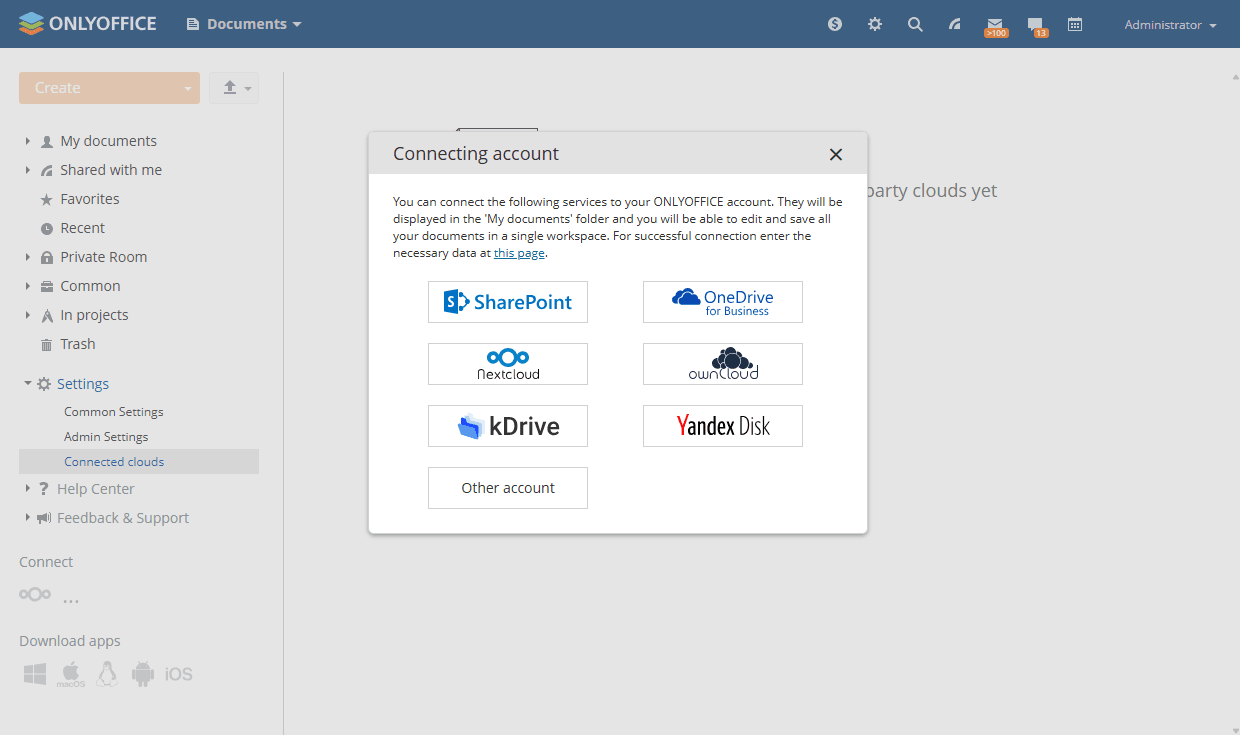
- Enter the connection URL, your user name, and password, then click Save.
The WebDAV URL for your ownCloud account can be found by signing in to ownCloud, clicking the Settings icon in the lower-left corner, and copying the URL from the WebDAV field. The URL has the following format:Your ownCloud documents will appear in the Documents module as a folder.
https://yourdomain.com/remote.php/webdav/. Paste the full URL, including the protocol, into the Connection URL field. - Change the folder name if necessary.
- To make ownCloud documents visible to all portal users, select the Make shared checkbox to place them in the Common Documents folder. If the checkbox is not selected, the ownCloud account will be visible only to you.
- Click Save.
Article with the tag:
Browse all tags