Book Reader: viewing EPUB and FB2 files in a dedicated reader
ONLYOFFICE Apps provides you with a Book Reader plugin that can open EPUB and FB2 files in a dedicated reader, including compressed formats (.fb2.zip files and ZIP archives containing EPUB or FB2 books).
Configuring Book Reader
System plugins are enabled in the workspace settings by the owner and administrators. Once enabled, they are available to all users across the apps that support them.
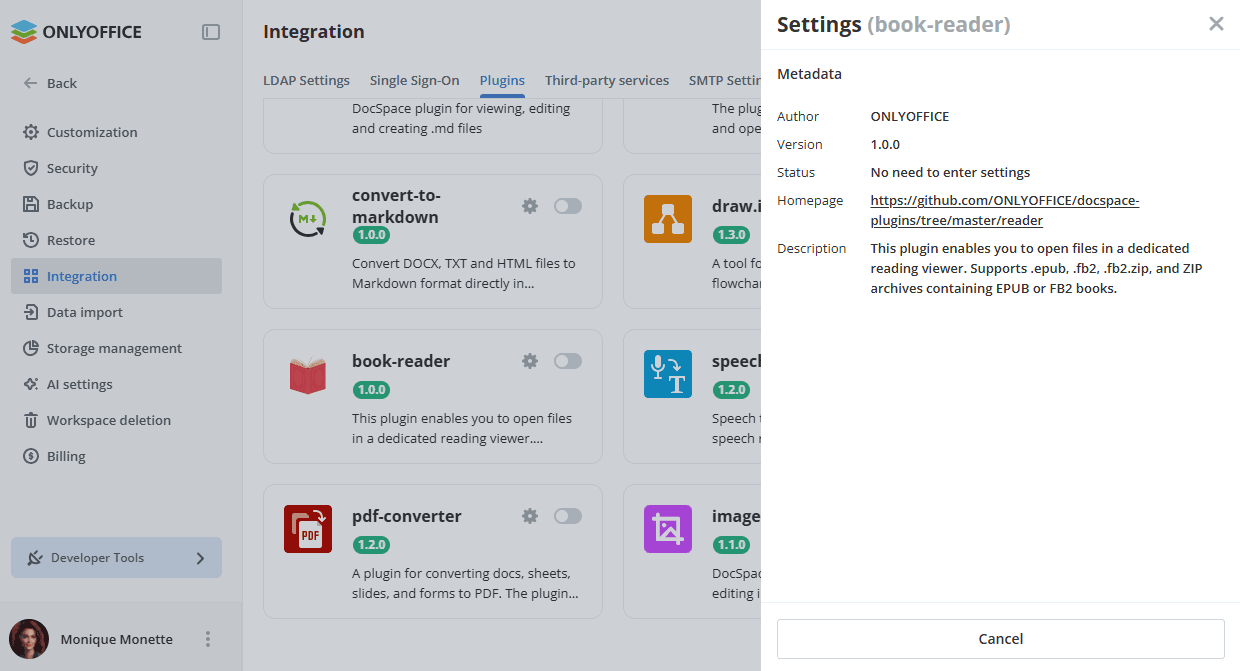
- Go to Settings -> Integration -> Plugins.
- Click the toggle next to the book-reader plugin to activate it.
To start working with the plugin, you do not need to change the default settings. To view the plugin metadata, click the gear icon next to the book-reader plugin.
Using Book Reader
Supported formats
.epub- Electronic Publication (EPUB 2.0/3.0).fb2- FictionBook 2.0.fb2.zip- compressed FictionBook files.zip- archives containing EPUB or FB2 files
The plugin automatically detects book formats inside ZIP archives: a ZIP archive containing a single .epub file, a ZIP archive containing a raw EPUB structure (META-INF/container.xml), or a ZIP archive containing a single .fb2 file.
Opening files
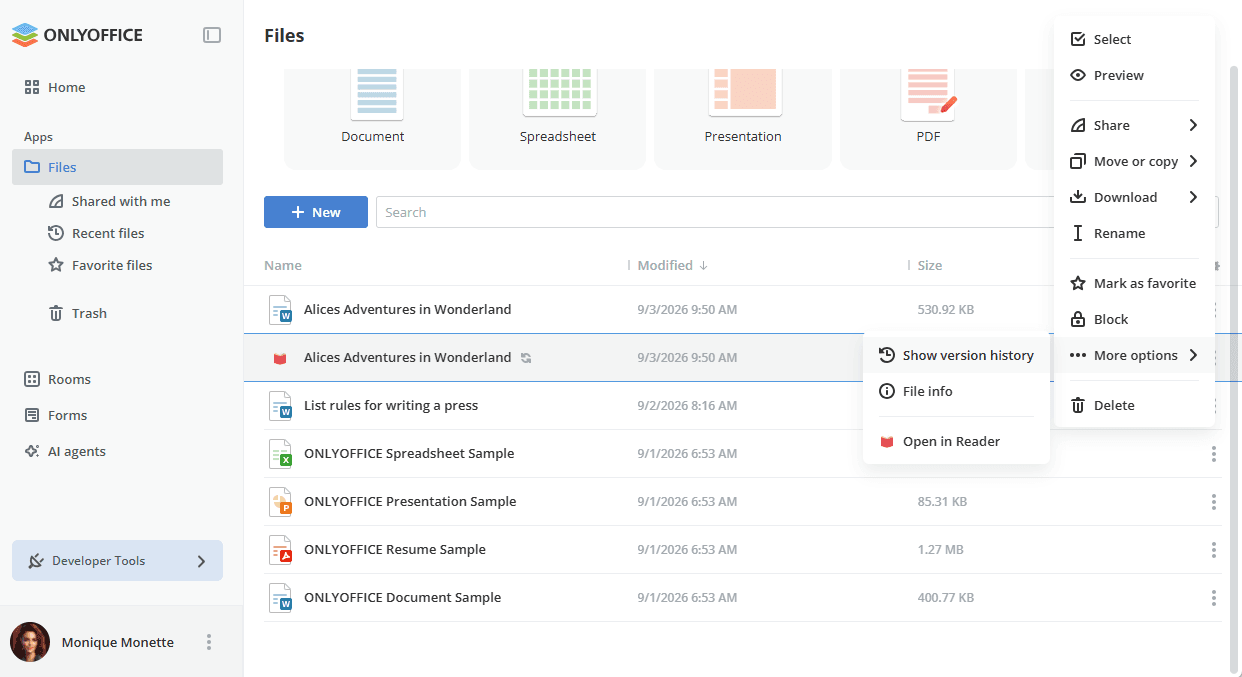
- The plugin is available via the context menu of the supported files in the Files or Rooms app.
- Open the context menu of the necessary file, navigate to More options, and select Open in Reader.
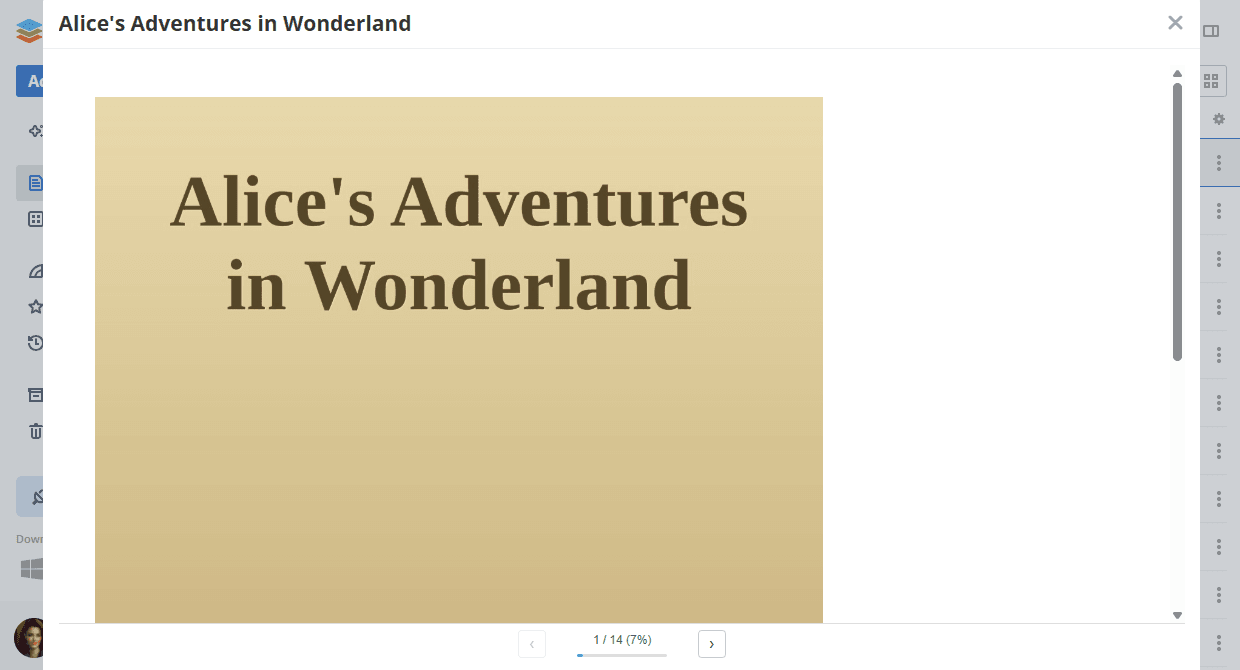
- The book opens in the reader view in a modal window.
Reader interface
- Navigation - use the ‹ and › buttons at the bottom of the window to move between pages and chapters.
- Progress - the progress bar shows your position in the book.
- Page counter - displays the current page number and the completed percentage.
- Bookmarks - your reading position is automatically saved and restored the next time you open the file.