File tab
The File tab in the Presentation Editor allows performing some basic file operations.
- Online version
- Desktop version
The corresponding window of the Online Presentation Editor:
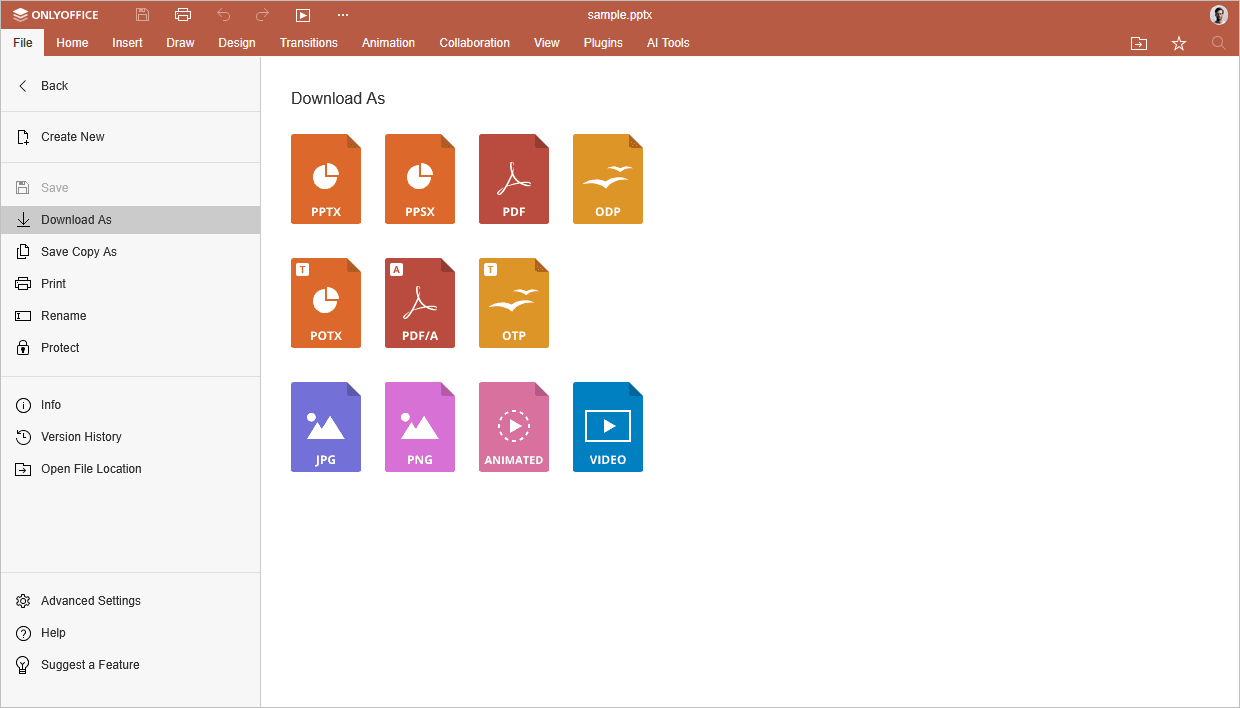
Using this tab, you can:
- create a new presentation;
- in the online version, save the current file (in case the Autosave option is disabled), download as (save the document in the selected format to the hard disk drive of your computer), save copy as (save a copy of the document in the selected format to the portal documents), print or rename it,
- protect the file using a password, change or remove the password,
- view general information about the presentation or change some file properties,
- track version history (available in the online version only),
- Open File Location - in the online version, open the folder in the Documents module, where the file is stored, in a new browser tab,
- access the Advanced Settings of the editor,
- Help - open the built-in help center,
- Suggest a Feature - share your thoughts on improving ONLYOFFICE editors.
The corresponding window of the Desktop Presentation Editor:
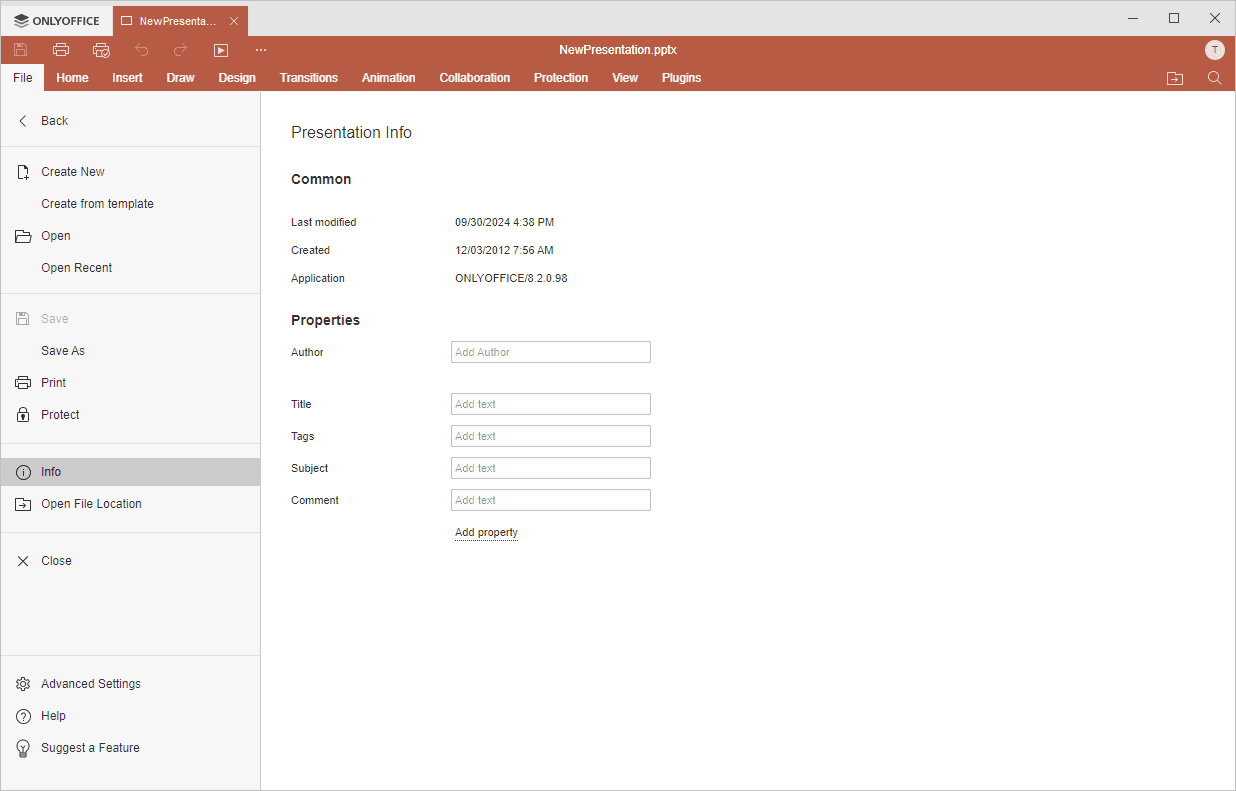
Using this tab, you can:
- create a new presentation;
- in the desktop version, you can create a presentation from template. The options Open and Open recent allow to open a presentation using File Explorer, or to choose a presentation from the list of recently opened files, save the current file keeping the current format and location using the Save option or save the current file under a different name and change its location or format using the Save as option, print the file,
- protect the file using a password, change or remove the password,
- protect the file using a digital signature (available in the desktop version only),
- view general information about the presentation or change some file properties,
- Open File Location - in the desktop version, open the folder, where the file is stored, in the File explorer window,
- access the Advanced Settings of the editor,
- Help - open the built-in help center,
- Suggest a Feature - share your thoughts on improving ONLYOFFICE editors.