Translator: Translating text via GoogleTranslate
In the Document Editor, you can translate your document from and to numerous languages.
note
Starting with ONLYOFFICE Docs 8.2, no plugins come with the editors by default. The plugins shall be installed via Plugin Manager.
- Select the text that you want to translate.
- Switch to the Plugins tab and choose
 Translator, the Translator appears in a sidebar on the left.
- Click the drop-down box and choose the preferred language.
The text will be translated to the required language.
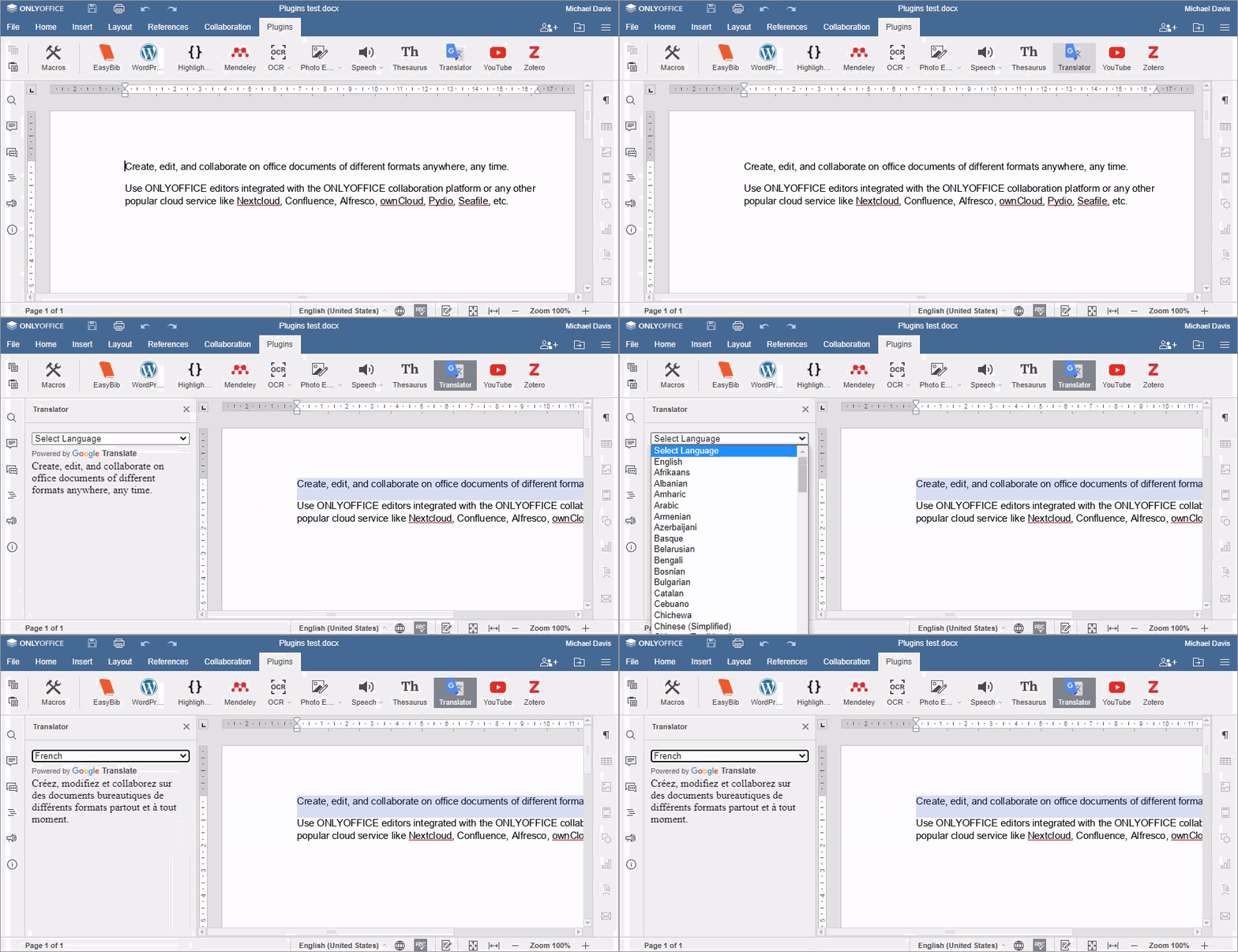
Changing the language of your result
Click the drop-down box and choose the preferred language.
The translation will change immediately.